URL Slug Generator
Generate clean, SEO-friendly URL slugs instantly with our free URL slug generator online. Convert text into readable, search-engine-friendly URLs in seconds.
Clean URL Slug Generator Online
Turn any title or text into a clean, SEO-friendly URL slug.
Slug
What is a URL Slug?
In audits, I treat the URL slug as the end of a URL: the few words naming a specific page. Good ones stay lowercase, use hyphens, avoid spaces and special characters, and give humans and search engines a clue.
How Important Are URL Slugs for SEO?
I’ve watched a short, descriptive slug outperform clumsy query string links because users spot the content of a page instantly, web crawlers read relevant keywords, and click-through rates climb; that’s SEO performance you can measure.
1: Keyword Relevance
On client sites, a well-crafted slug with relevant keywords helps search engines match each page, and users trust search results more.
2: User Experience
Visitors judge a link before clicking. On one audit, clean, readable URLs improved user experience, because users understood destinations instantly.
3: Click-Through Rate (CTR)
In crowded SERPs, a short, descriptive slug beats competitors because people click what they instantly understand on any mobile device.
4: Link Sharing
Colleagues paste a web address into chat; a shareable slug is easy to remember, so that blog post travels further.
Slug Examples
Web Page Title
SEO-friendly URL Slug
URL Slug Generator
url-slug-generator
Trust Link SEO
trust-link-seo
Mr Beast considers move to Mars
mr-beast-considers-move-to-mars
How to Rank on Google
how-to-rank-on-google
mr-beast-considers-move-to-mars
mr-beast-considers-move-to-mars
What is a URL Slug Generator?
A URL slug generator runs in your browser, turning a title into a clean, lowercase string. It strips punctuation and special characters, swaps spaces for dashes, and automatically keeps consistency, so I stopped manual editing years ago and finish quickly.
How to Use the Slug Generator
I usually Copy the finished result first and work backwards: enter a title, customize the output, then watch real-time conversion handle diacritics, symbols, and delimiters. Set Max length, drop stop words, and export it before you implement the URL structure.
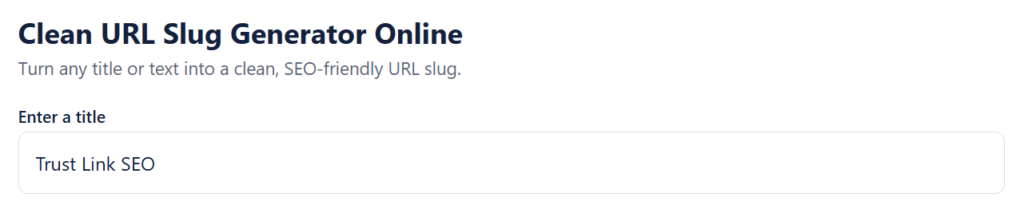
Step 1: Enter Your Title or Keywords
I start by pasting a phrase from the draft, since a plain text line works as well as a heading.
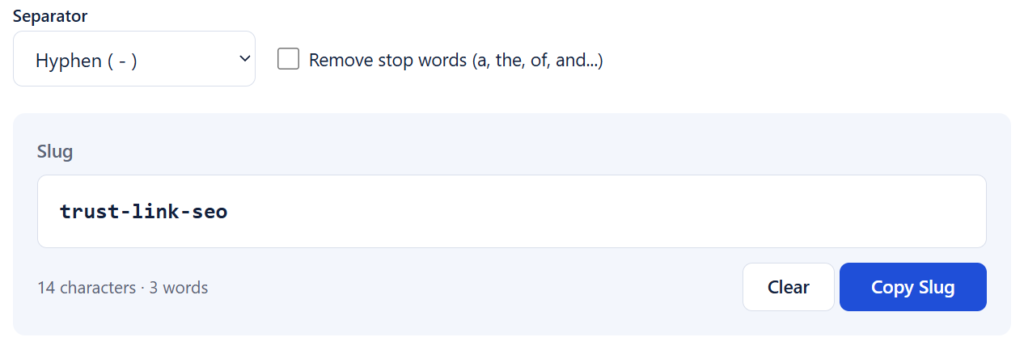
Step 2: Customize the Output
Toggle UPPERCASE or Title Case, set a length cap, and trim unnecessary characters before one-click conversion finishes the job.
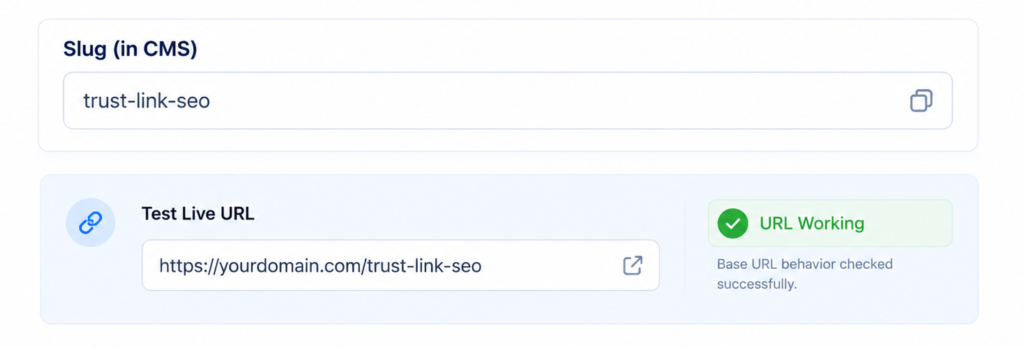
Step 3: Implement the Slug
Paste the Copy Slug result into your CMS field, then test the live URL and check Base URL behavior.
Benefits of a Slug Generator
Ten years of fixing typos and formatting errors by hand taught me the benefits right away: time saved, optimized slugs, and a standard format across the whole website.
- Saves Time: Automatically removing clutter, a tool handles the process in seconds.
Consistency: Every URL slug stays consistent, predictable, and lowercase across systems.
SEO Optimization: Relevant keywords drive SEO optimization, helping pages rank higher fast.
Avoids Errors: Trim stray punctuation, remove apostrophes, truncate, and never confuse visitors.
User-Friendly URLs: Simple, clear URLs let users grasp meaning at a glance.
What Makes a Good Slug
Years of auditing taught me a concise slug wins: short, lowercase, built on the target keyword, stop words trimmed, hyphens joining everything.
How to create a good URL Slug
Start with your title, strip special characters and spaces, then cap it near 60 characters; I always check URLs read naturally before SEO tweaks.
Keep It Short and Simple: A descriptive slug rarely needs more than a few words; I trim extras until the URL-friendly version reads clearly.
Use Keywords: I put specific keywords for the page first, keep them hyphen-separated, so readable page URLs stay SEO-friendly without padding.
Avoid Special Characters: Strip special characters and spaces; non-alphanumeric characters break URLs once shared, so keep slugs clean.
Use Hyphens, Not Underscores: Pick a hyphen as separator; underscores join words, whereas Google reads hyphens as word separators.
Tips: Getting a Better Result Out of Slug Generator
I always test a generator with Cyrillic and Greek titles first, then flip the toggles for casing and custom characters. Watch truncation near the length limit, and use & → and so different titles never collapse into the same slug.
Limits: What Slug Generator Does Not Do
In my experience a pipeline can’t rescue every title: feed it Chinese, Arabic or other non-Latin scripts without transliterate to ASCII support and you get an empty slug. It also won’t judge quotes, so don’t quietly turns into dont.
Frequently Asked Questions
After years of cleaning up messy permalinks, I treat concise as the golden rule: cut unnecessary words, keep hyphens between terms, and stay readable. Put the main keyword early, avoid punctuation clutter, and run lowercase output through a quick consistency check before publishing. A tidy, SEO-friendly slug ages surprisingly well.
I stopped debating this years ago: hyphens win. Google reads a hyphen as a space, so my-blog-post counts as three words, while underscores glue everything into one. For separating words in a URL slug, hyphens stay readable, concise, and the preferred choice for search engines.
A good URL slug generator quietly transliterates accented characters into plain ASCII, so a café review becomes cafe-review instead of an encoded mess. I’ve watched Unicode titles break links in older browsers, which is why URL-safe output matters more than people admit.